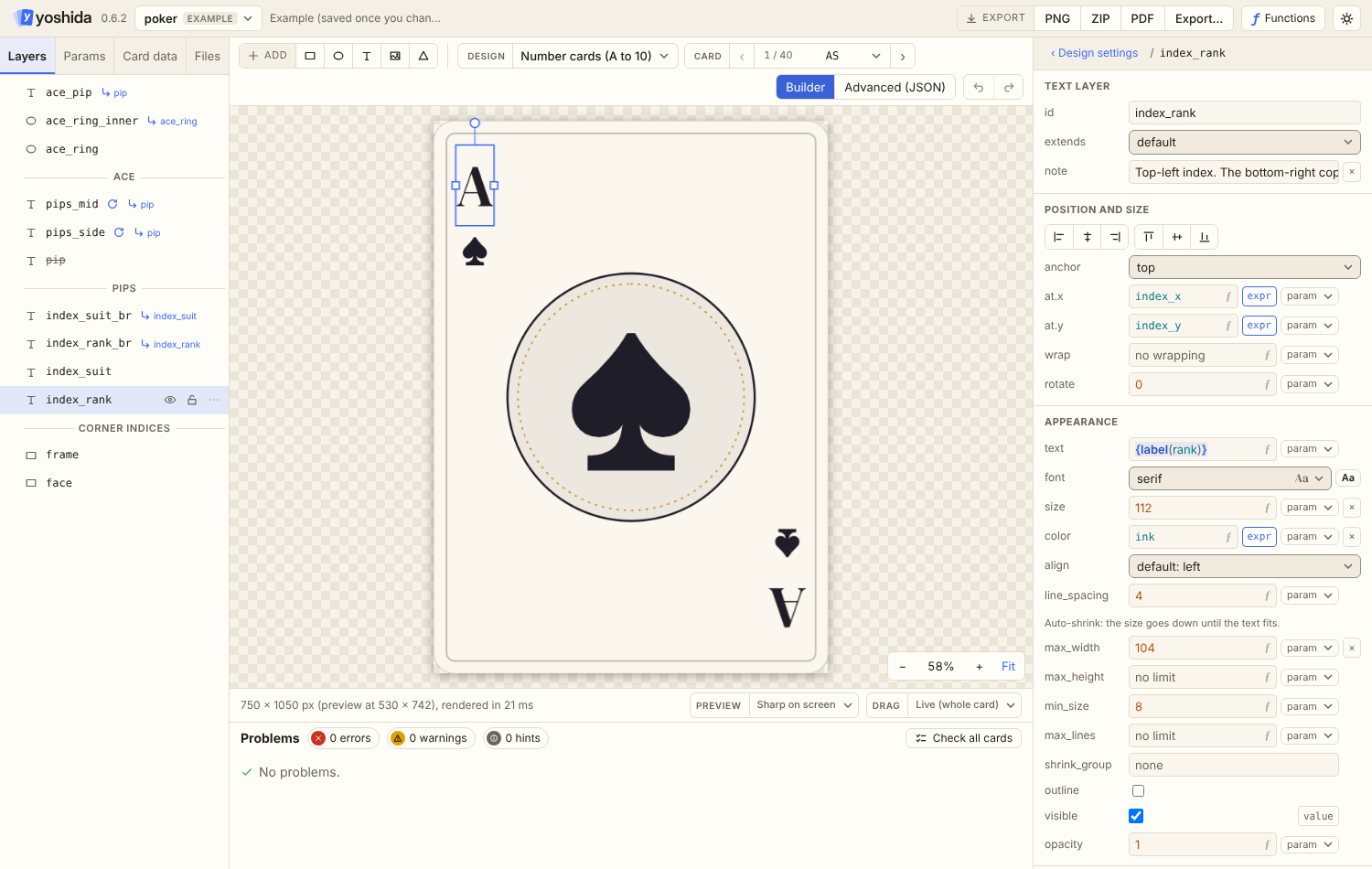

Layer: text
On this page
Text with word wrapping, alignment, line limits and auto-shrink.
{
  "id": "title",
  "type": "text",
  "text": "{upper(title)}",
  "at": { "x": "50%", "y": "@art.bounds.bottom + 90" },
  "anchor": "baseline",
  "align": "center",
  "size": 72,
  "color": "accent",
  "max_width": "80%",
  "min_size": 36
}
Plus the fields every layer has.
| Field | Kind | Default | Meaning |
|---|---|---|---|
text | text (template) | required | Content. A newline forces a line break, also when it comes from a param value (see line breaks in values) |
at | { x, y }, number | required | The anchor point |
font | ident | default | Key of the design's fonts (error 4004 if missing) |
size | number | 16 | Font size in pixels (em height) |
color | color | #000000FF | |
align | enum | left | left, center, right, justify |
wrap | number | none | Wrap width in pixels. Greedy word wrap on spaces. % is of the canvas width |
line_spacing | number | 4 | Extra pixels between lines |
max_lines | number | none | Lines beyond it are dropped and the last line ends in … (warning 3201) |
max_width | number (x axis) | none | Auto-shrink: the text block may be at most this wide |
max_height | number (y axis) | none | Auto-shrink: the text block may be at most this tall |
min_size | number | 8 (or size if smaller) | Auto-shrink never goes below this size |
stroke | { color, width } | none | An outline around the letters, width pixels wide, drawn outside them |
shrink_group | text literal | none | Texts with the same name use one size, see auto-shrink |
Anchor and block size
The anchor refers to the bounding box of the whole text block (all lines). baseline-left, baseline and baseline-right use the first line's baseline.
- With
wrap, the block iswrappixels wide and alignment happens inside it. - Without
wrap, the block is as wide as the longest line. - A line is as tall as the font's ascent minus its descent;
line_spacingis added between lines.
Alignment
left, center and right align lines inside the block. justify stretches every line but the last to the wrap width, so it needs wrap.
Wrapping
wrap wraps greedily at spaces. A \n in the text always breaks the line. Without wrap only \n breaks lines.
Auto-shrink
With max_width or max_height, the size shrinks from size in steps of 0.5 px (a binary search) until the text block fits, but not below min_size. Wrapping is redone at every size. If the text still does not fit at min_size, it is drawn at min_size and warning 3203 is reported. @layer.size gives the size that was actually used.
Use it for titles that must stay on one line: "max_width": "80%" with a min_size you can live with.
The size is found for each text on its own. In a repeated text layer every iteration shrinks separately, so a long label next to a short one ends up smaller, and a label that wraps to two lines with max_height may shrink while a one-line label keeps size.
To make them match, give the layers the same shrink_group. Every text layer with that name, and every iteration of them (also inside repeated groups), then uses the smallest size any of them needed:
{ "id": "tile_text", "type": "text", "text": "{t.text}", "size": 38, "max_width": 144, "max_height": 66, "min_size": 18, "shrink_group": "tiles" }@layer.size gives the shared size. Hidden iterations do not count.
Outline
stroke draws an outline around every letter, outside it, so the letters keep their shape and the outline makes them stand out on busy backgrounds:
"color": "#FFD166", "stroke": { "color": "#2B2B3A", "width": 5 }color defaults to opaque black and width to 1. Text outlines cannot be dashed (error 1101). @layer.stroke.width and @layer.stroke.color can be read.
Truncation with max_lines
Text that needs more lines than max_lines is cut after that many lines and the last line ends in …. Warning 3201 tells you which card was cut, so nobody misses it.
Fonts
font names an entry in the design's fonts. See Designs. In the editor, the Fonts window finds and imports fonts and sets them on the layer. Characters the font has no glyph for are drawn with the bundled default font (Lato), then with the bundled symbol font (a subset of Noto Sans Symbols 2: arrows, geometric shapes, stars ★, check marks ✓, dice faces ⚀ to ⚅, card suits, dingbats). So "GO → ★" works with a font that only has letters. Characters none of the three has (emoji, for example) are drawn as boxes and warning 4003 is reported.
Bold, italic and icons (markup)
With "markup": true the text (after its {...} placeholders are filled in) can use:
<b>...</b>for bold and<i>...</i>for italic, nested as you like;{icon:name}for an inline icon from the design'sicons.
{
  "id": "effect", "type": "text", "markup": true,
  "font": "body", "font_bold": "body_bold", "font_italic": "body_italic",
  "text": "{effect}", "at": { "x": 40, "y": 600 }, "wrap": 670, "size": 28
}
with card data such as "effect": "Gain <b>2 {icon:steel}</b>, then <i>draw</i>.".
| Field | Default | Meaning |
|---|---|---|
markup | false | Turns the markup on |
font_bold | — | Font for bold runs. Without it, bold is drawn by thickening the regular glyphs |
font_italic | — | Font for italic runs. Without it, italic runs are drawn upright (warning 3209) |
font_bold_italic | font_bold, then font_italic | Font for runs that are both |
icon_scale | 1 | Icon height in font sizes |
Icons keep their aspect ratio, sit centred on the capital letters, and wrap with the word they are attached to (2{icon:steel} stays together). They are drawn in their own colors. An icon name the design does not know is warning 3209 and is left out; a missing icon file is error 4001. Unknown tags such as <3 are plain text.
In a design's own template text, {icon:name} is kept as it is (it is never an expression), so "text": "Pay 2 {icon:gold}" works too. Wrapping, alignment, justification, auto-shrink and max_lines all measure the styled text and the icons.
Text in templates
The text value is a template: literal text with {expression} holes.
"text": "Level {level} {foil ? '(foil)' : ''}"
"text": "{ing.amount} {ing.unit} {ing.name}"
Use {{ and }} for literal braces.
Reading values
@title.at.x, @title.at.y, @title.text, @title.size, @title.color, @title.line_spacing, @title.wrap, @title.max_lines and the bounds (@title.bounds.*, which include the effect of wrapping and auto-shrink). See Names and references.