
Docs Builder
Builder: Card Data
On this page
The Card data tab edits the cards of the design's set, in JSON or CSV files. See Card Data for the formats.
The list
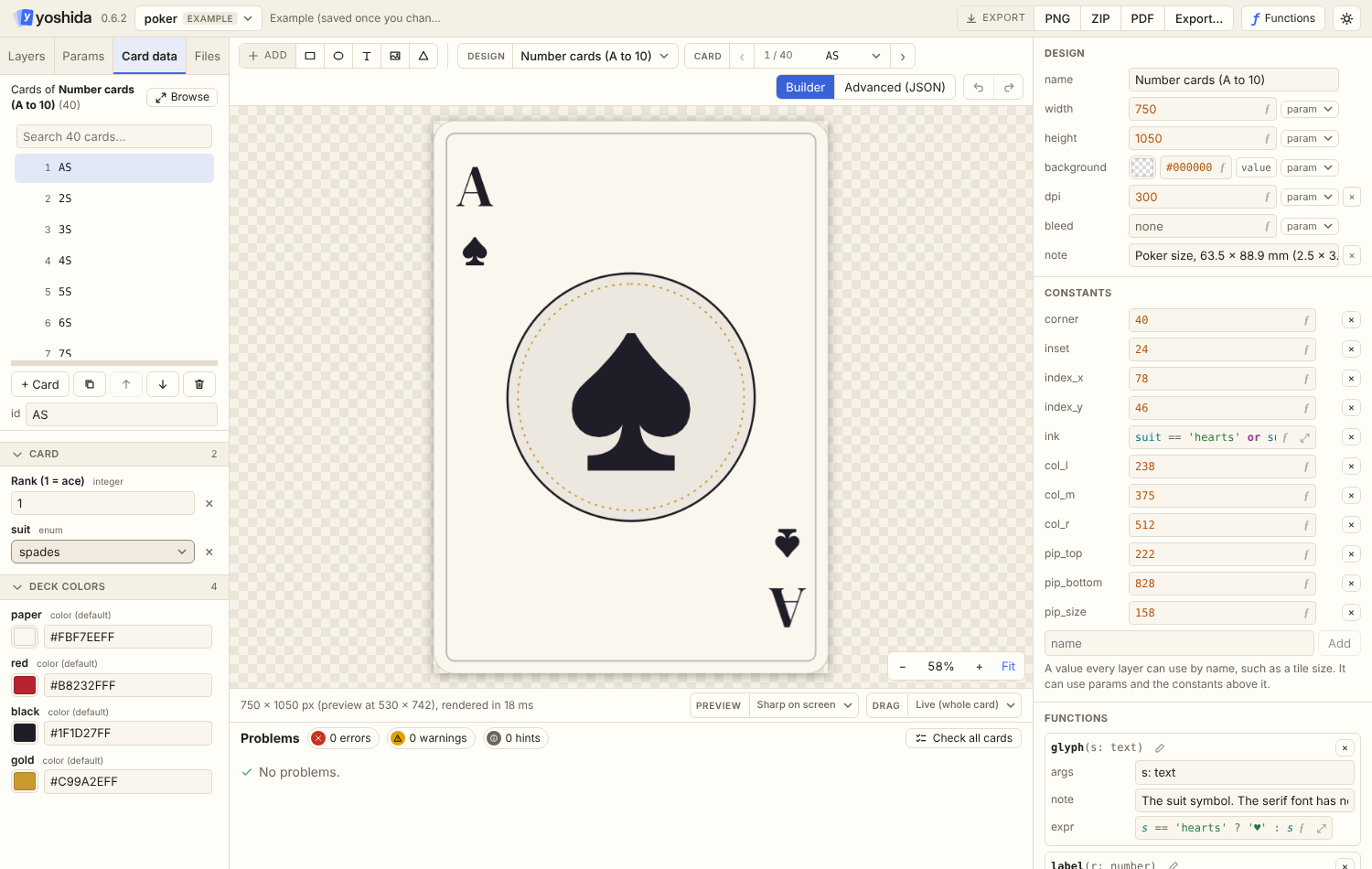
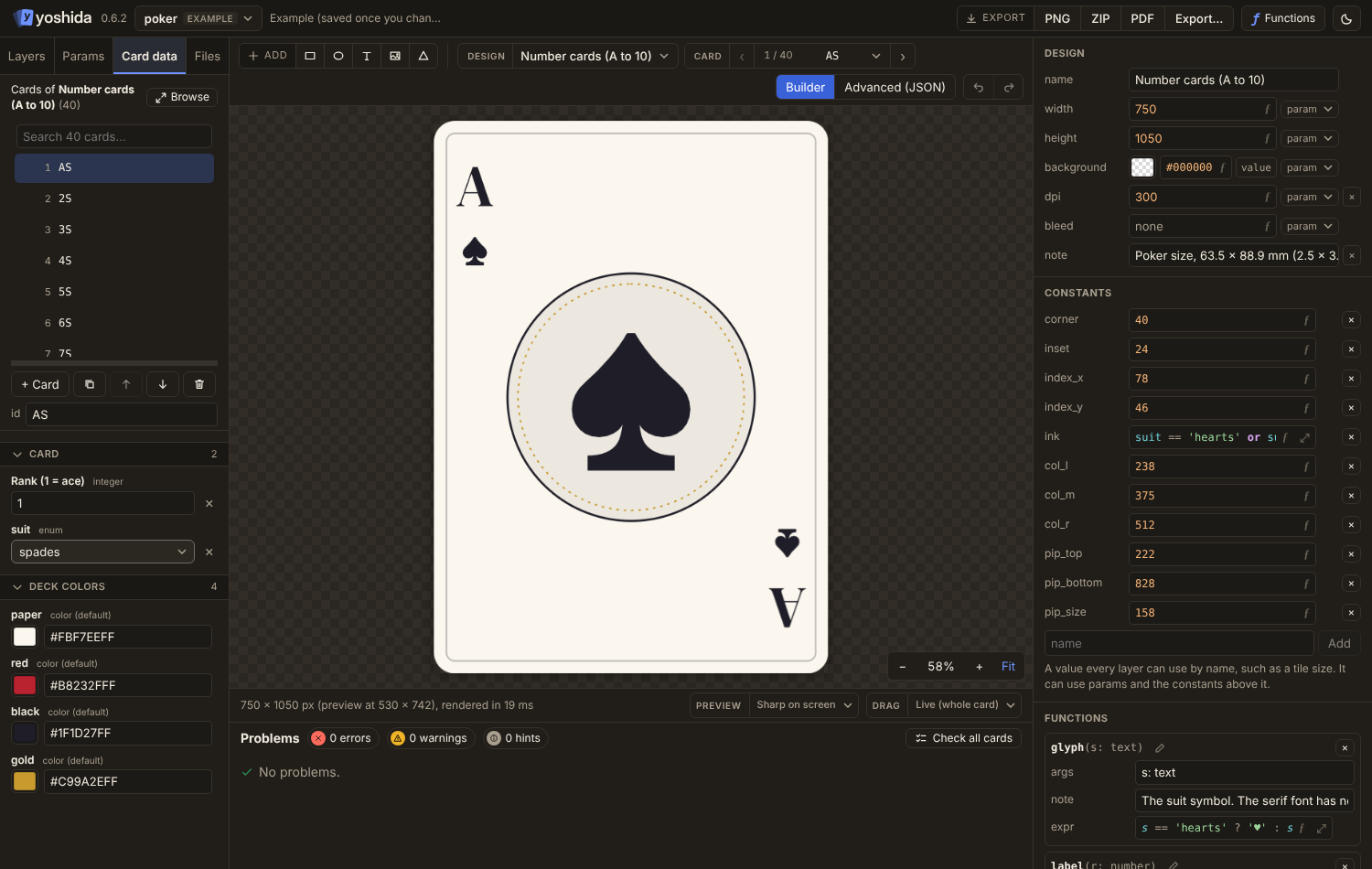
- Search by id or any text value. Only the visible rows are drawn, so hundreds or thousands of cards are fine.
- Add, duplicate, reorder, rename the id and delete.
- Rows show the card's name (the
titleornameparam, else the first text param), its id and a few other values. - Drag the line under the list to make it taller.
The card form
Below the list is the form for the selected card, built from the params and shown in sections by param group.
- A param's note shows as ⓘ next to its name, and under the field while it is being edited.
- Color params open the color picker, enums a dropdown, image params the image picker (choose an existing file or upload one).
- List params with item fields are edited as a table; enum item fields are dropdowns, and new rows start with the fields' defaults.
- When a list param has a default with items and the card keeps that number of items, the editor saves only the changed items, as an object of positions (
{"11": {"kind": "safe"}}); otherwise the whole list. See Params. - Changes are written back into the JSON or CSV card file.
Browse
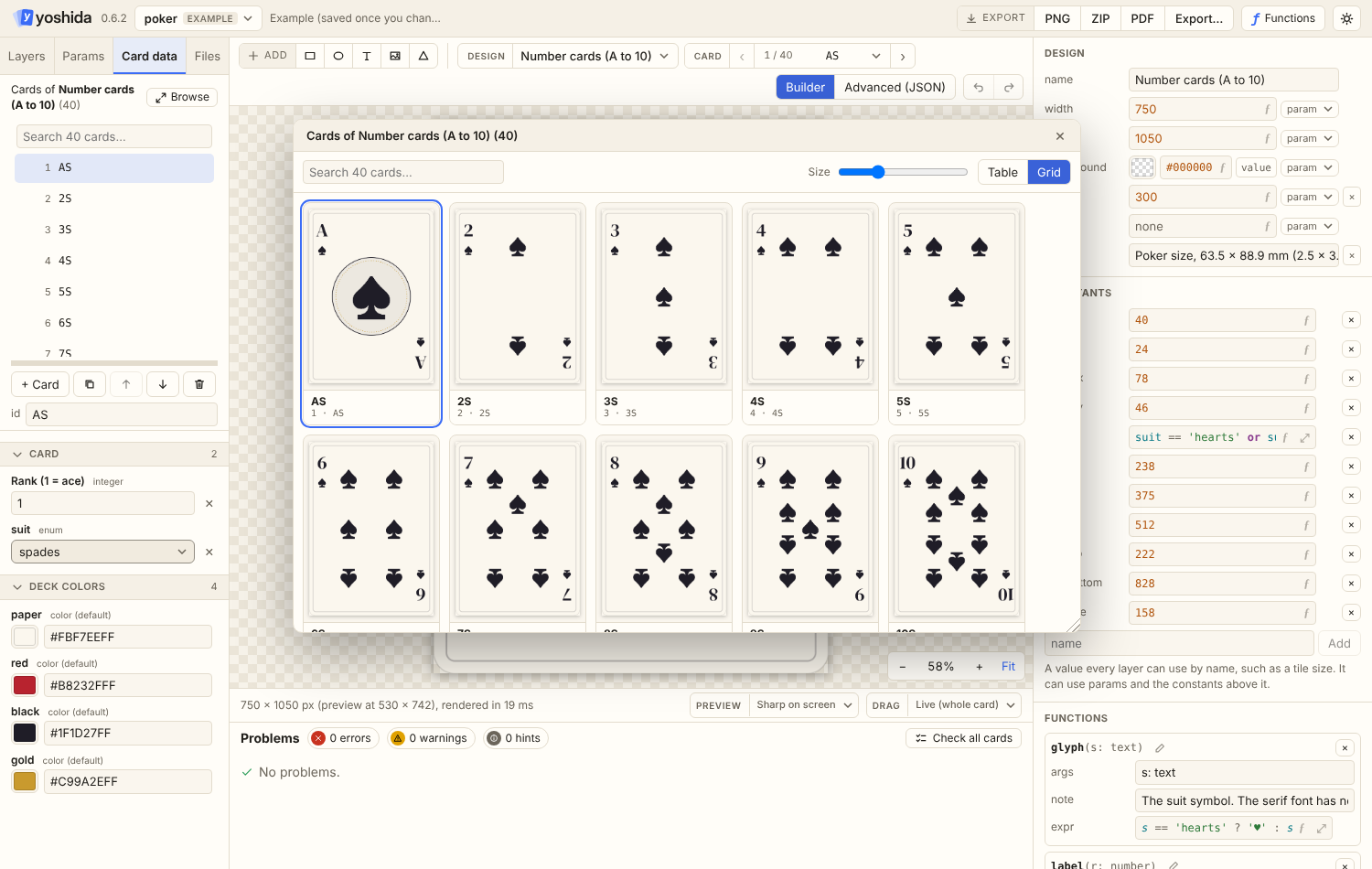
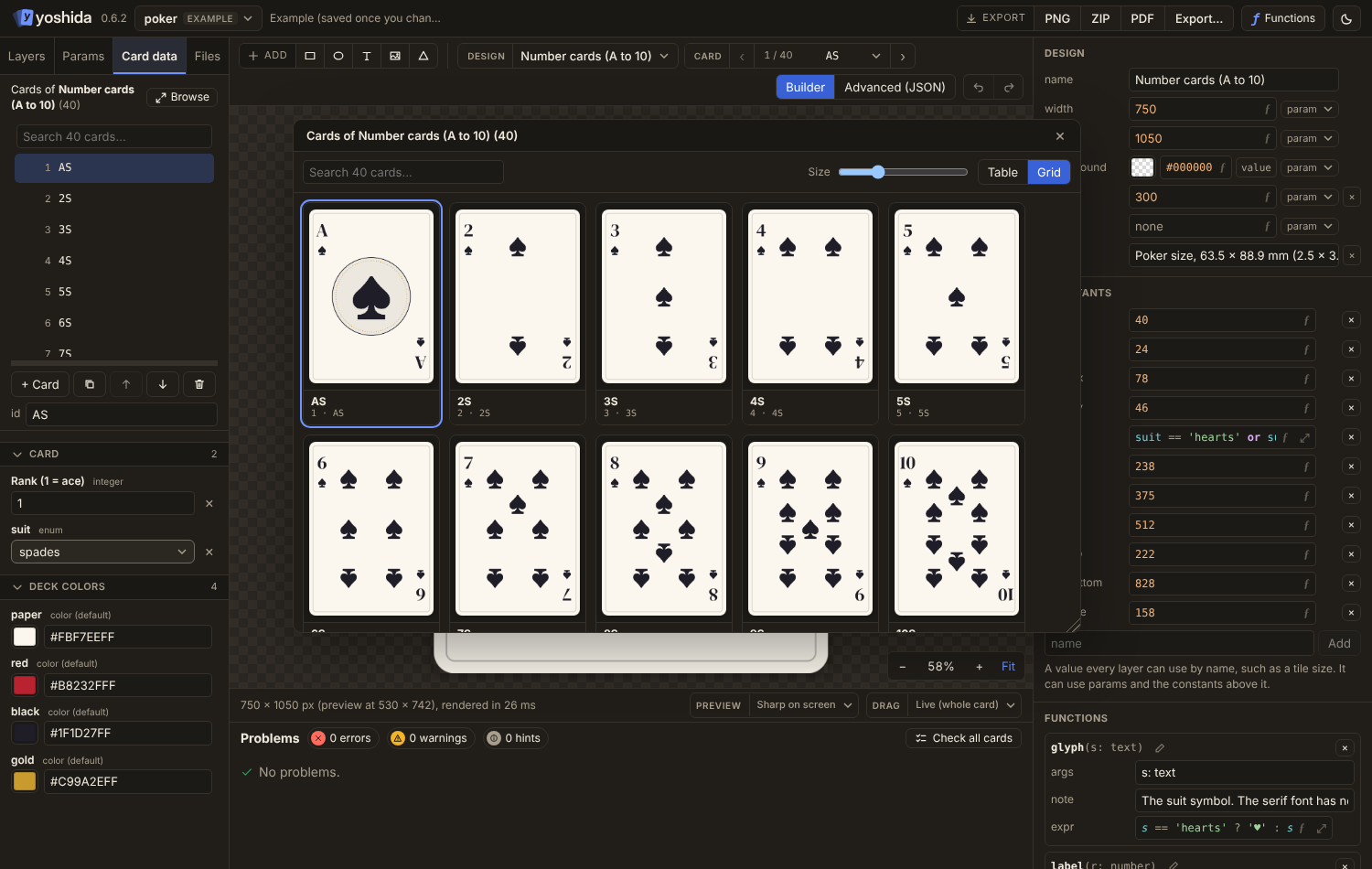
Browse (also at the bottom of the Card picker in the toolbar) opens a window with every card as:
- a sortable table, with a choice of columns, or
- a grid of rendered thumbnails, drawn only for the cards in view.
Picking the preview card
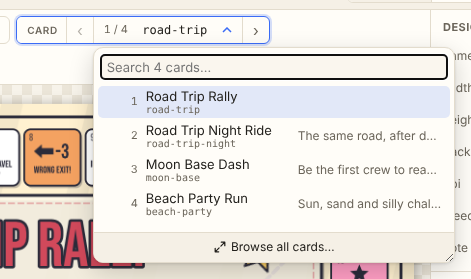
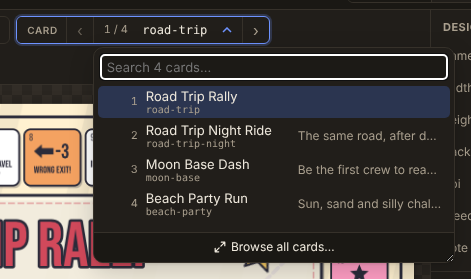
The Card picker in the toolbar steps through cards with the arrows; the middle opens a searchable list that stays fast with thousands of cards.