
Layer: group
On this page
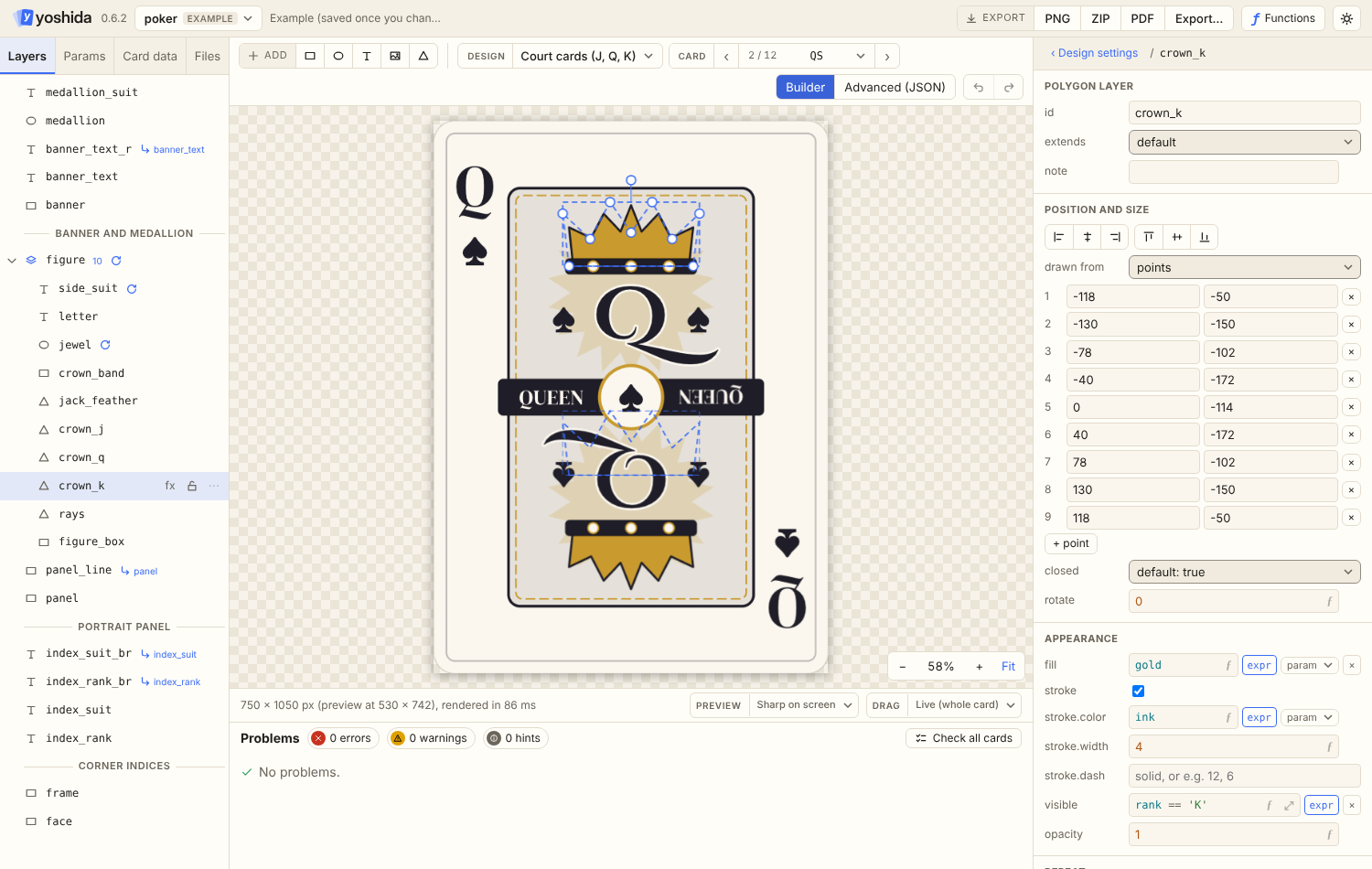
A group holds other layers and draws them as one picture, so they can be organised, moved, hidden, faded and rotated together.
{
  "id": "badge",
  "type": "group",
  "opacity": 0.9,
  "rotate": -8,
  "layers": [
    { "id": "badge_bg", "type": "ellipse", "box": { "x": 820, "y": 60, "w": 120, "h": 120 }, "fill": "accent" },
    { "id": "badge_text", "type": "text", "text": "{level}", "anchor": "center",
      "at": { "x": "@badge_bg.bounds.cx", "y": "@badge_bg.bounds.cy" } }
  ]
}| Field | Kind | Default | Meaning |
|---|---|---|---|
layers | array of layers | required (error 1102) | Drawn in array order inside the group, first is bottom. Groups may contain groups |
translate | { x, y }, number | { 0, 0 } | The group's origin: everything inside moves by it, and coordinates inside are relative to it. See translate |
repeat | object | none | Draw the layers inside once per iteration, as one unit. See repeat |
id, note, visible, opacity, rotate, effects | As in Layers, applied to the group's picture (per iteration in a repeated group) |
How it works
- A group has no position or size of its own.
@group.bounds.*is the union of the bounds of its visible layers, including all repeat iterations. An empty or fully hidden group has zero bounds at the origin.@group.opacity,@group.visibleand@group.rotatecan be referenced too. - The layers inside are drawn into a separate picture. Then the group's effects (relative to the group's bounds, so
fadeandcropwork on the group's edges),opacityandrotate(around the centre of the bounds) are applied, and the picture is composited at the group's place in the stack. - Layers inside a group are ordinary layers: ids are unique across the whole design (error 1108), they can be referenced from anywhere, and they can use
repeatandextends. - A group itself cannot have
anchororextends(error 1101). Nesting deeper than 16 levels is error 5001. - A hidden layer (
visible: false) is not drawn, but it can still be referenced with@and used as anextendsbase, inside a group or not. A hidden group's layers can be referenced too. - Diagnostics inside a group use nested pointers, such as
/layers/2/layers/0/box/x.
Translate
Without translate, coordinates inside a group are canvas coordinates. With it, they are relative to the group's origin:
{ "id": "badge", "type": "group", "translate": { "x": 820, "y": 60 }, "layers": [
  { "id": "badge_bg", "type": "ellipse", "box": { "x": 0, "y": 0, "w": 120, "h": 120 }, "fill": "accent" },
  { "id": "badge_text", "type": "text", "text": "{level}", "anchor": "center",
    "at": { "x": "@badge_bg.bounds.cx", "y": "@badge_bg.bounds.cy" } }
] }- Moving the badge means changing only the translate. Translates of nested groups add up.
@layerpositions (bounds.*,box.x,box.y,at.x,at.y) are given in the frame of the layer that reads them: inside the group,@badge_bg.bounds.cxis 60; outside it, 880. So references work the same everywhere.%,vwandvhstay relative to the canvas size.translate.xandtranslate.yare expressions; they can use params, constants, the group's own loop names and layers outside the group. A layer inside the group is a cycle (error 3004).
Repeat
A group can repeat: the layers inside are drawn once per iteration, as one unit, and every layer inside can use the group's loop names. With translate, each iteration gets its own origin:
{ "id": "tile", "type": "group",
  "repeat": { "each": "tiles", "item": "t", "index": "i" },
  "translate": { "x": "tile_x(i)", "y": "tile_y(i)" },
  "layers": [
    { "id": "tile_bg", "type": "rect", "box": { "x": 6, "y": 6, "w": 158, "h": 158 }, "fill": "t.kind == 'safe' ? c_safe : c_plain" },
    { "id": "tile_text", "type": "text", "text": "{t.text}", "anchor": "center",
      "at": { "x": "@tile_bg.bounds.cx", "y": "@tile_bg.bounds.cy + 30" } }
] }- References between layers inside the same repeated group mean the same iteration: in the example, each text is centred on its own tile.
- From outside, pick an iteration with an index:
@tile_bg[3].bounds.cxis the background of tile 4,@tile[3].boundsthe whole tile. See Repeat. visible,opacityandrotateof the group can use the loop names, so single iterations can be hidden.- The group counts as one layer per visible iteration toward the layer limit, plus its visible layers.
The board game example draws its 40 tiles this way.
Layout: rows and columns
layout places the group's children one after another, measured by their bounds, so a row of text and icons grows and shrinks with the text. The children's own positions are replaced; only their sizes count. Hidden children take no room, and every iteration of a repeated child is one item.
{
  "id": "cost", "type": "group",
  "layout": { "direction": "row", "gap": 8, "x": "50%", "y": 900, "align": "center", "cross": "center" },
  "layers": [
    { "id": "label", "type": "text", "text": "{name}", "at": { "x": 0, "y": 0 }, "size": 28 },
    { "id": "coin", "type": "image", "src": "icons/gold.png", "repeat": { "count": "cost" }, "box": { "x": 0, "y": 0, "w": 28, "h": 28 } }
  ]
}| Field | Default | Meaning |
|---|---|---|
direction | row | row (left to right) or column (top to bottom) |
gap | 0 | Space between children |
x, y | 0 | Where the line goes, in the group's coordinates (after translate) |
align | start | Along the line: start puts its first child at x (row) or y (column), center centres it there, end ends it there |
cross | start | Across the line: start puts every child's top (row) or left (column) at y (x), center centres it, end puts its bottom (right) there |
align and cross may be expressions that give one of the words, as with anchor.
A shared background for adjacent items is a layer that reads the group's bounds, for example a rect before the group with "box": { "x": "@cost.bounds.left - 12", "w": "@cost.bounds.w + 24", ... }. A child can be a group, which moves as a whole; every iteration of a repeated group is one item, so a row of chips can be one repeated group (or one included component) inside a layout group.
Shared components (include)
Layers that several designs share, such as an effect row, can live in one component file. A group takes them with include instead of layers:
{ "id": "effects", "type": "group", "include": "components/effect-row.json", "translate": { "x": 40, "y": 820 } }components/effect-row.json:
{
  "format": 1,
  "name": "Effect row",
  "layers": [
    { "id": "effect_bg", "type": "rect", "box": { "x": 0, "y": 0, "w": 670, "h": 90 }, "radius": 12, "fill": "#EEE6D8" },
    { "id": "effect_text", "type": "text", "markup": true, "text": "{effect}", "at": { "x": 16, "y": 16 }, "wrap": 638 }
  ]
}- The path is from the project folder. Any name works;
*.component.jsonkeeps them apart from designs, andschema/component.schema.jsonchecks them in an editor. - The layers are compiled as part of the design that includes them: they use that design's params, constants, functions, fonts and icons, and the design's layers can reference them (
@effect_bg.bounds.bottom) andextendsthem. Every design that includes the component needs the params it uses. - The group works like any group:
translate,layout,visible,repeatand effects apply to the included layers. Components can include other components (a cycle is error 3004). - Ids must be unique in the design, so a second include of the same component is error 1108 unless it has an
id_prefix(below). To show one component several times with different params, repeat the group instead. - Problems inside a component name the component file and its line.
Including a component twice (id_prefix)
id_prefix puts text in front of the id of every layer the component brings, so the same component can be included more than once:
{ "id": "left_pill", "type": "group", "include": "components/pill.component.json", "id_prefix": "l_" },
{ "id": "right_pill", "type": "group", "include": "components/pill.component.json", "id_prefix": "r_",
  "translate": { "x": 300, "y": 0 } }
With the component of the example above, the layers are l_effect_bg and r_effect_bg. The design refers to them by the new ids (@l_effect_bg.bounds.bottom).
- The prefix is lowercase letters, digits and
_, starting with a letter or_; anything else is error 1103. It applies to groups withincludeonly (error 1101 elsewhere). - Inside the component,
@idreferences to the component's own layers and itsextendsfollow the new ids, so the component keeps working. A reference to the design's params, constants and other layers is not changed. References are renamed by matching@and the exact id, in every string of the component. - Components the component includes get the prefix too; if they have an
id_prefixof their own, the two are joined (outer first). A reference from the outer component to a layer of an included component is not renamed. - Params are not passed per include: both copies use the design's params. To vary them, give the second include a different
translateand use arepeatwithitem, or make a second component. - In the builder, a group becomes a component with Create component, and a component's layers are edited in place; see Builder: Layers. Live values are not shown for fields inside a component yet.
Moving a group
In the editor, moving a group with a translate changes the translate; moving a group without one moves every layer in it. Group a set of layers with Ctrl+G (the group takes the place of the topmost selected layer and keeps the order) and ungroup with Ctrl+Shift+G. See Builder: Layers.
Known limits
In the editor, layers inside a rotated group show unrotated selection boxes on the canvas, and groups have no resize handles (their size comes from their layers). Layers inside a repeated group are outlined once per iteration. See Known Gaps.