
Docs Builder
Builder: Inspector
The right panel shows every field of the selected layer.
One layer selected
Fields are grouped as:
- Layer: id, type, note, visible, opacity, anchor and so on.
- Position and size, with align-to-canvas buttons and
rotate. - Appearance: fill, stroke, radius, font (with an Aa button that opens the Fonts window), size, color... For text this includes auto-shrink (
max_width,max_height,min_size,shrink_group) and the outline (stroke). Strokes of rects, ellipses and polygons take a dash pattern (type12, 6); open polygons an arrow (start, end, both). Ellipses have an arc switch with start, end and pie. - Repeat and Effects.
A polygon has drawn from: points (your own corners, listed with + point) or shape (a preset star, polygon, triangle, diamond, arrow, cross or chevron in a box, with count and inner). Switching to a shape keeps the polygon's area as the box.
Every field takes a literal or an expression, see Expression editor. The value / expr switch and the param menu bind a field to an expression or a param. Number labels can be dragged sideways to scrub the value. Colors use the built-in color picker.
Fields a layer inherits through extends are marked ↳; editing one adds an override.
Instead of listing problems inside the inspector, each section shows a small chip such as "● 2 errors ▲ 1 warning, show ›" that filters the Problems panel to that layer.
Several layers selected
- Align: left, centre, right, top, middle, bottom.
- Distribute with equal gaps (3 or more layers).
- Duplicate and delete.
A group selected
A group shows rotate, visible, opacity, effects and Ungroup, its Origin (translate.x, translate.y) and Repeat. A group has no size of its own; with a translate, the layers inside use coordinates relative to it, and moving the group on the canvas changes only the translate. See Layer: group.
Create component moves the group's layers into a shared component file. A group that includes a component says so, with how many other files use it, and has Detach and Open component file; a layer inside a component shows a note that its changes reach every design that includes it. See Components.
Expression fields of layers inside a repeated group suggest the group's loop names (i, the item and its fields).
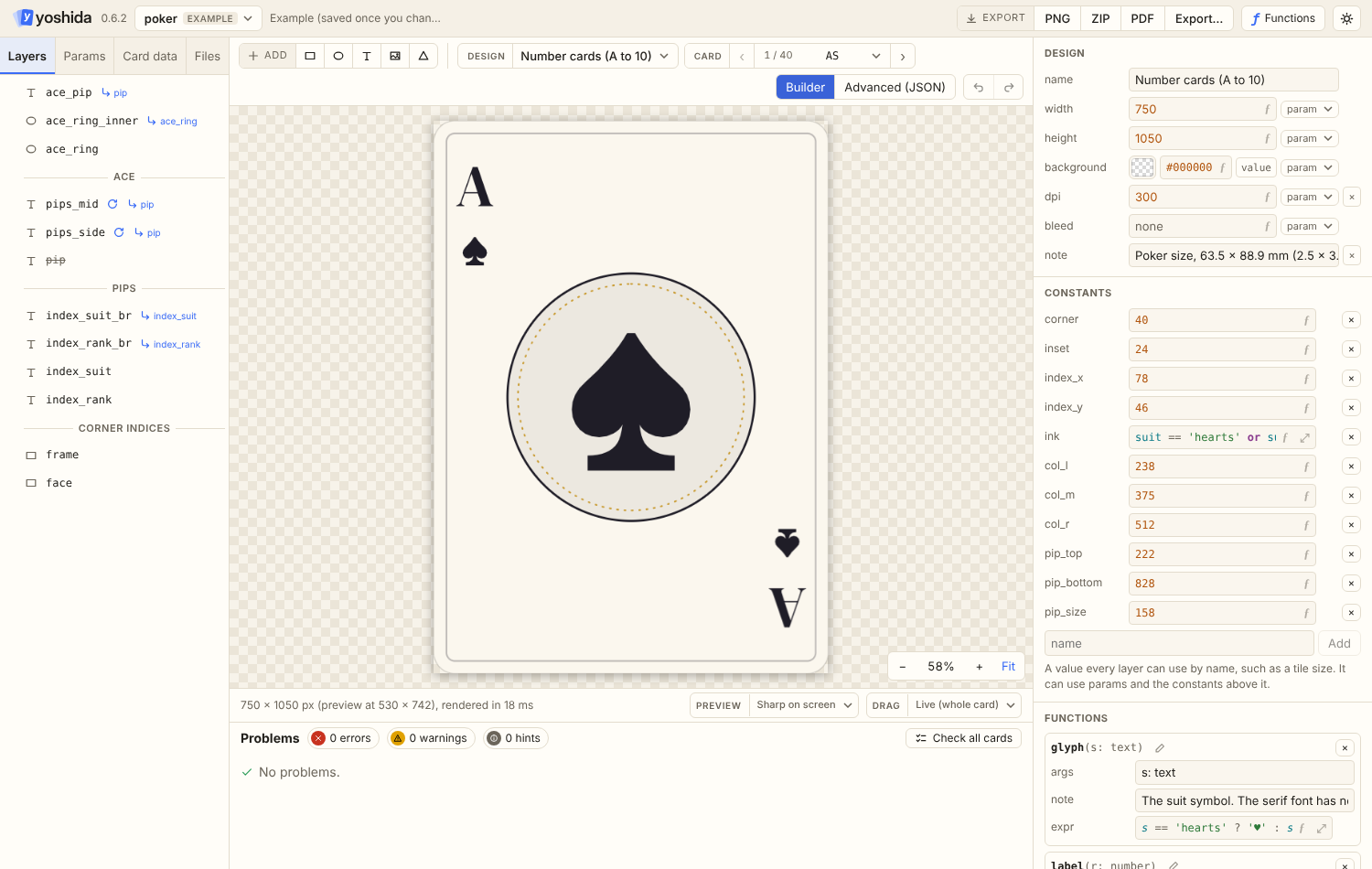
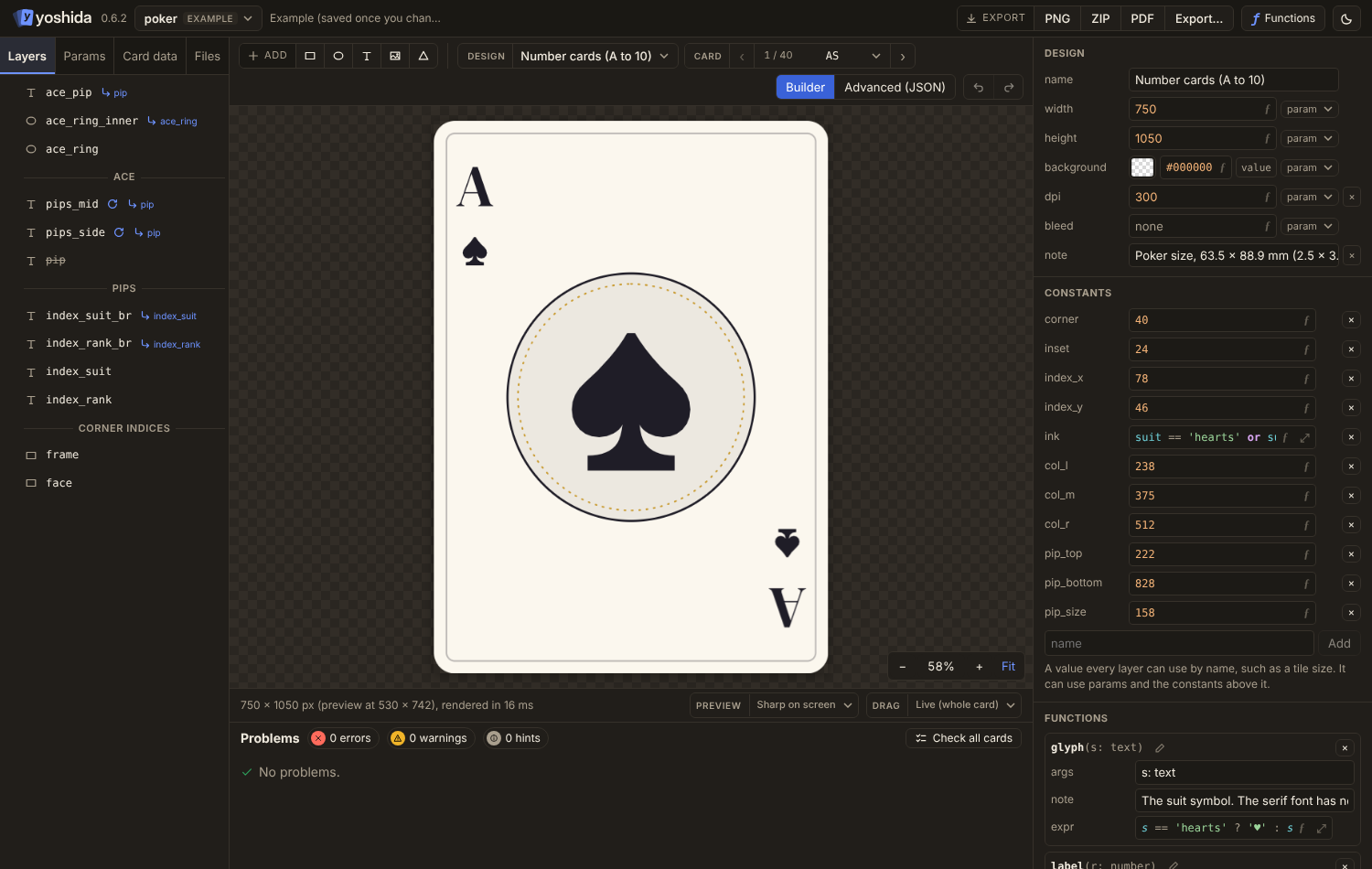
Nothing selected: the design
- name
- canvas width and height (expressions allowed, for example
421 * scale), background, dpi and bleed (see Saving, Images and Privacy) - constants and functions: add one with a name, change its expression, arguments (
i: number, kind: text) and body, or remove it. See Constants and functions - fonts: one row per font name, with a preview, the font file and its license. Browse fonts… and Upload… add fonts; a missing font file is marked. See Fonts
- a link to the JSON editor for anything the builder does not cover